RefStudy
Artists reference analyzer
Study your reference the way a trained eye does.
Measure it, see its values, mix its colours and check your drawing against it.
Everything free until 11 Feb 2027
Available 30 Oct 2026 · get an email on launch day
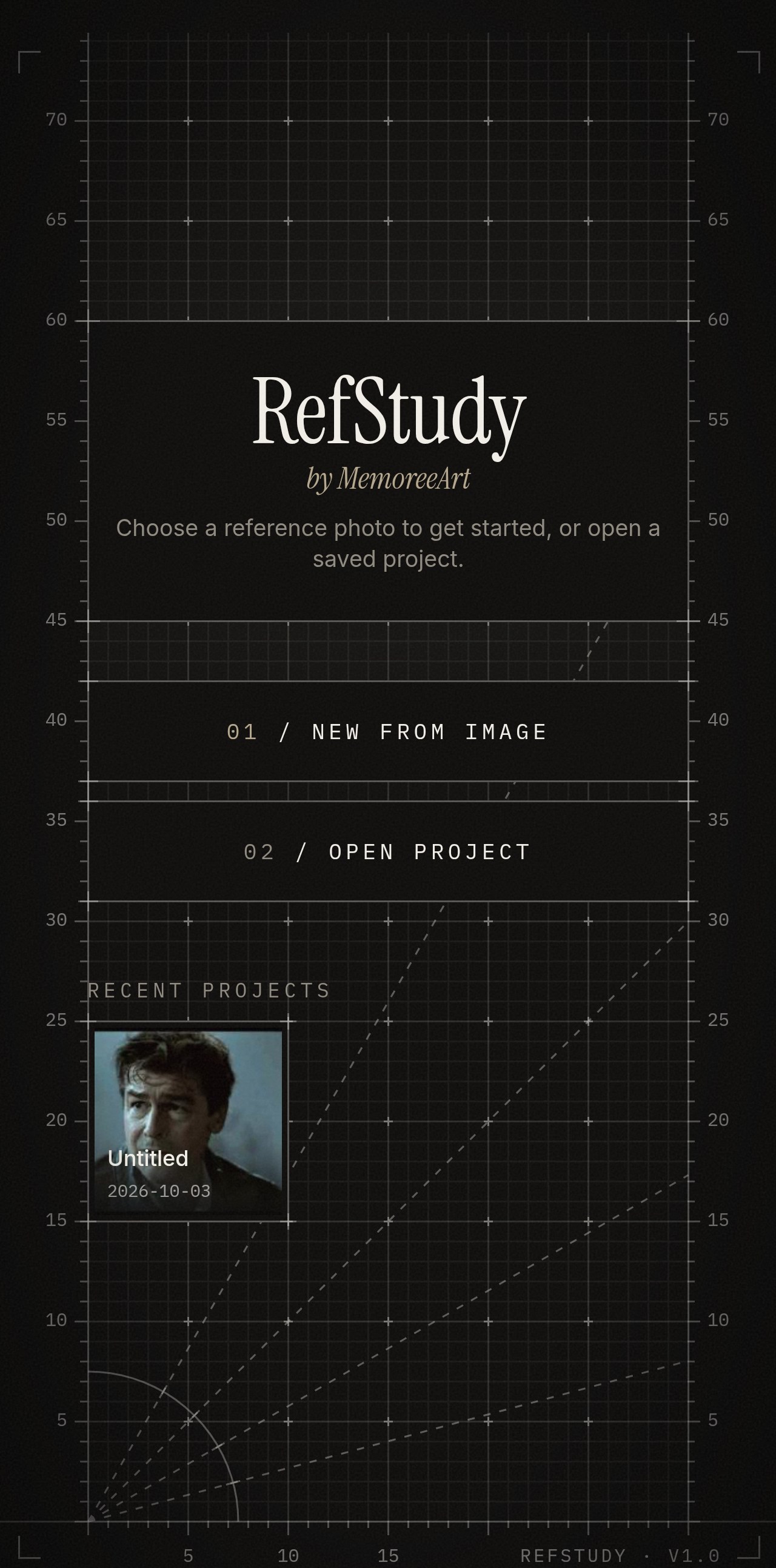
Clip 01 · Hero loop
The "aha" in one shot: a reference photo on the phone, one tap, and dividers and value steps appear over it. Show the result within 2 seconds.
Silent loop, 5–8 s · 1:2 vertical (720 × 1440) · screen recording · MP4 under 2 MB
What it does
Everything you check by eye, laid over the photo.
01/ Measure
Measure anything
Dividers, grids and perspective guides over your photo, so you can see where everything should land.
All platforms · drawing & painting
Clip 02 · Measure
Phone beside a figure drawing. One tap: a vertical divider drops onto the reference and splits the figure into heads. Then a grid appears over it.
Silent loop, 6–8 s · 1:1 square (1080 × 1080) · MP4 under 2 MB
02/ Values
See the values
Turn any photo into 2 to 9 flat values or big simple shapes, so you know what to block in first.
All platforms · drawing & painting
Clip 03 · Values
A portrait photo. Tap Value steps: it snaps to 5 values, then the slider drags down to 2 (black and white). End on the 2-value version.
Silent loop, 6–8 s · 1:1 square (1080 × 1080) · MP4 under 2 MB
03/ Check my drawing
Score your drawing
Photograph your drawing, tap a few landmarks, and see how close you got and exactly what's off.
Android · uses the phone camera
Clip 04 · Check my drawing
Phone photographs a pencil drawing on the desk. Cut to the result: the score counts up into the ring, markers appear, then the morph slider pulls the drawing into correct proportions.
Silent loop, 6–8 s · 1:1 square (1080 × 1080) · MP4 under 2 MB
04/ Colour
Mix what you see
Point at any colour and get a mixing recipe made from the paints you actually own.
Android & desktop · painting mode
Clip 05 · Colour
Painting in progress, palette in frame. Tap a shadow colour with the Color lens; the recipe card opens. Cut to the brush mixing it on the palette.
Silent loop, 6–8 s · 1:1 square (1080 × 1080) · MP4 under 2 MB
Also: Block Out · Squint · Perspective grids · Golden spiral · Isolate · Camera check · Session timer
Does it help?
Same reference. Same hour.
Image 06 · Before
Your drawing of a portrait done the usual way, no tools. Photographed flat, even light, same framing as the after.
Still image · 6:7 (1200 × 1400) · JPG
Without RefStudy
Image 07 · After
The same reference drawn again using dividers and value steps. Same paper, same time limit, same lighting as the before.
Still image · 6:7 (1200 × 1400) · JPG
With RefStudy
Who it's for
Pencil to oil. First sketch to hundredth painting.
- Pencil
- Charcoal
- Ink
- Oil
- Acrylic
- Gouache
- Watercolour
- Digital
Get RefStudy
Free until 11 February 2027.
Every tool works on Android, Windows and Mac. Check my drawing and Camera check use the phone camera, so they're on Android.
Questions
Before you download.
Is it on iPhone or iPad?
Not yet. RefStudy is on Android, Windows and Mac. Get the launch email and you'll hear first when that changes.
Are my photos uploaded anywhere?
No. Everything is processed on your own device, and projects are saved as files on your device.
Does it work offline?
Yes. The Android and desktop apps work without an internet connection.
Is it for drawing or painting?
Both. When you open a photo you choose "I'm drawing" (black and white, with value tools) or "I'm painting" (colour tools), and the app shows the tools for that.
What happens after 11 February?
Most tools stay free. A few advanced ones will become part of a paid full version, and the price will be announced well before then.
Launch day